 BeforeAfter
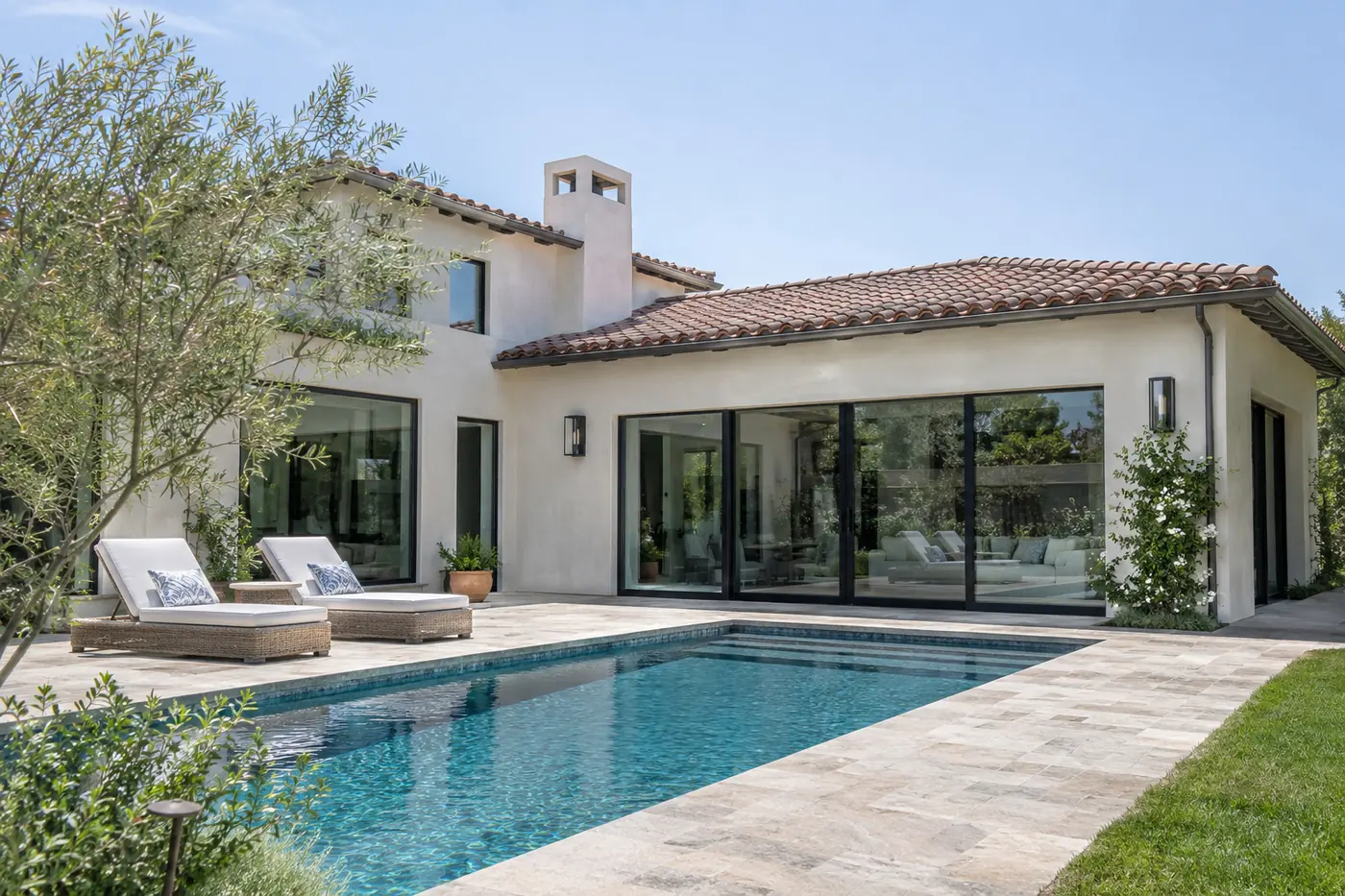
Enhance & Sky
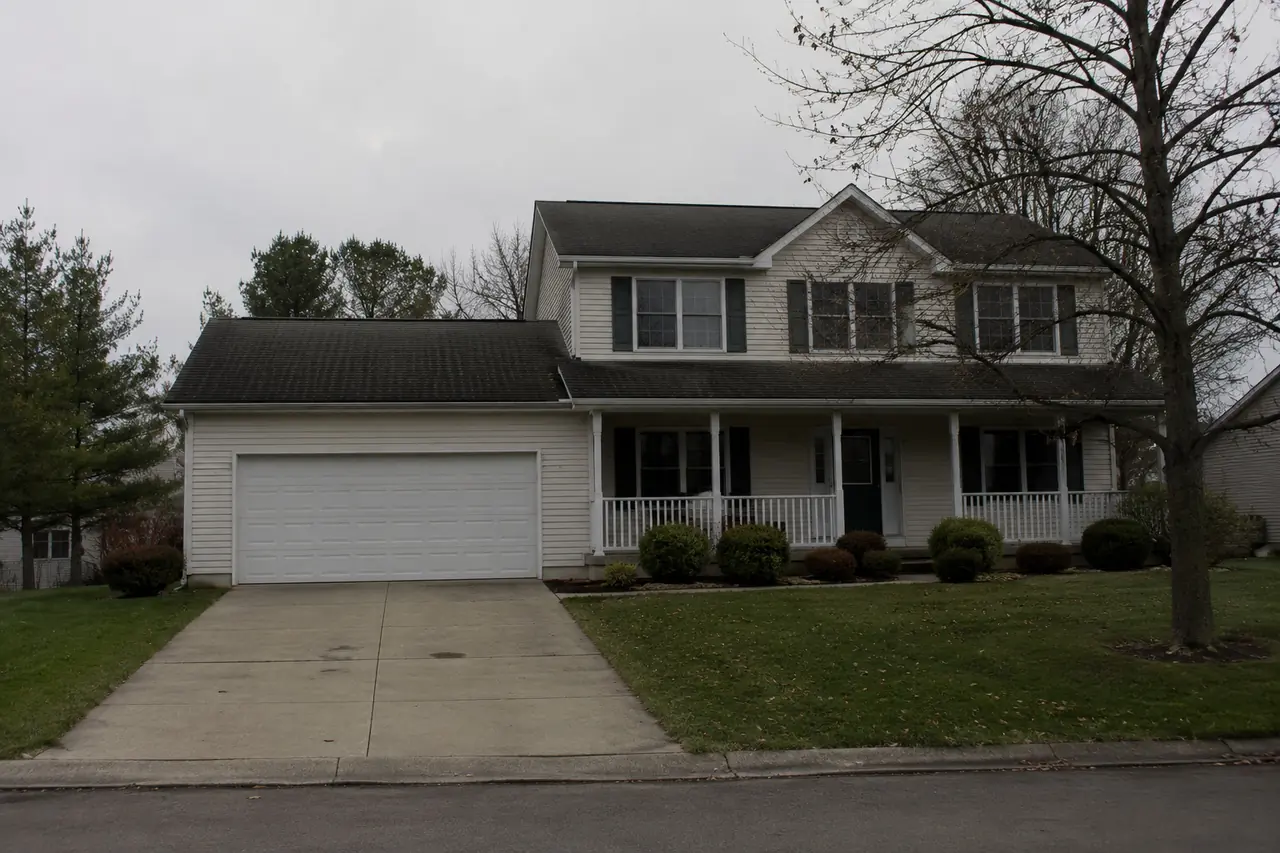
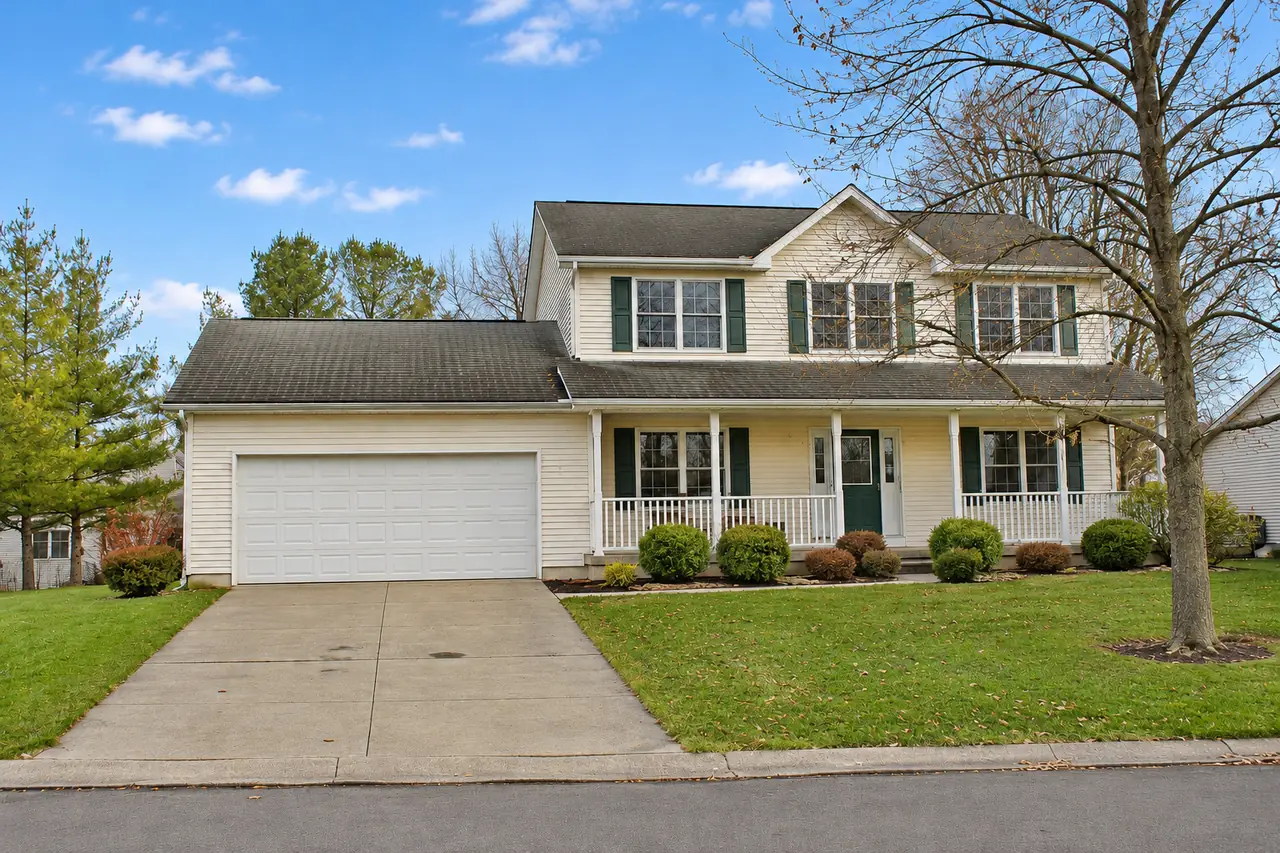
Balances exposure, lifts shadows and replaces a grey sky with a clear blue one, keeping materials close to their real colours.
Brighten, replace skies, declutter and virtually stage property photos online. Upload RAW files straight from your camera and download the edited photo as a JPG with exactly the same pixel dimensions as the original.
 BeforeAfter
Each tool costs 1 credit per photo. Drag the sliders to compare before and after.
BeforeAfterBalances exposure, lifts shadows and replaces a grey sky with a clear blue one, keeping materials close to their real colours.
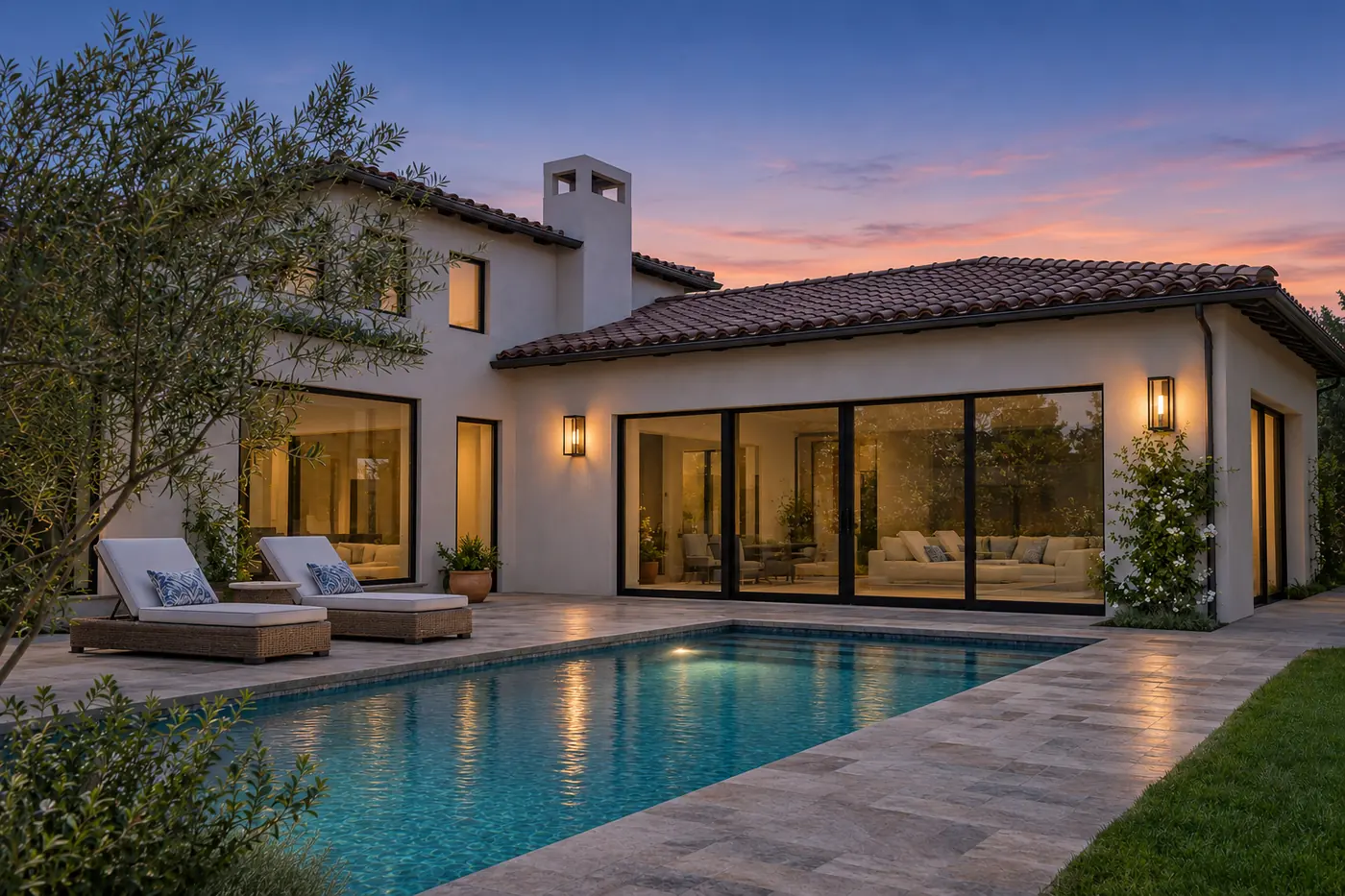
BeforeAfterTurns a daytime exterior into a twilight scene, lighting only the fixtures already in the photo.
 BeforeAfter
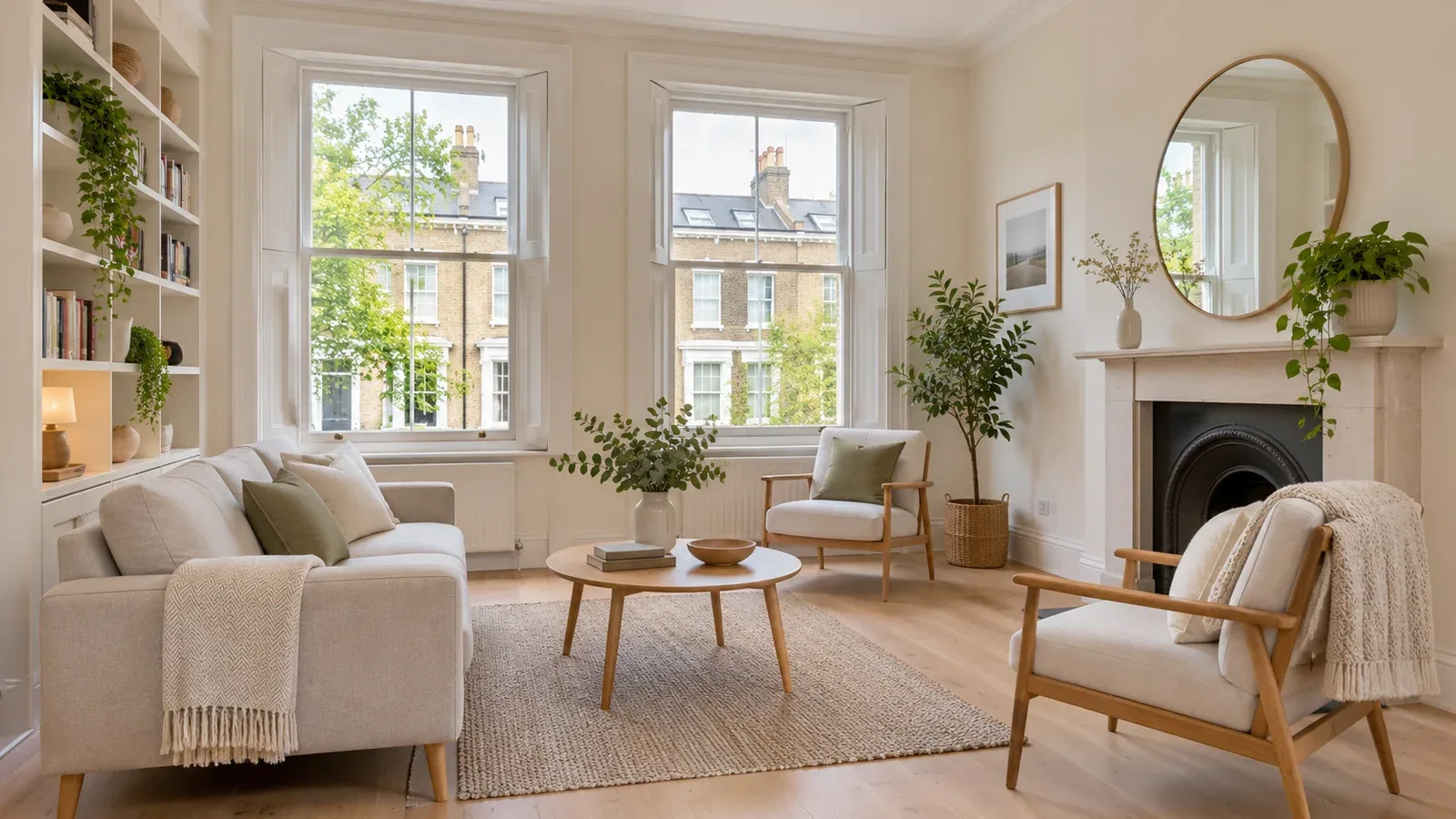
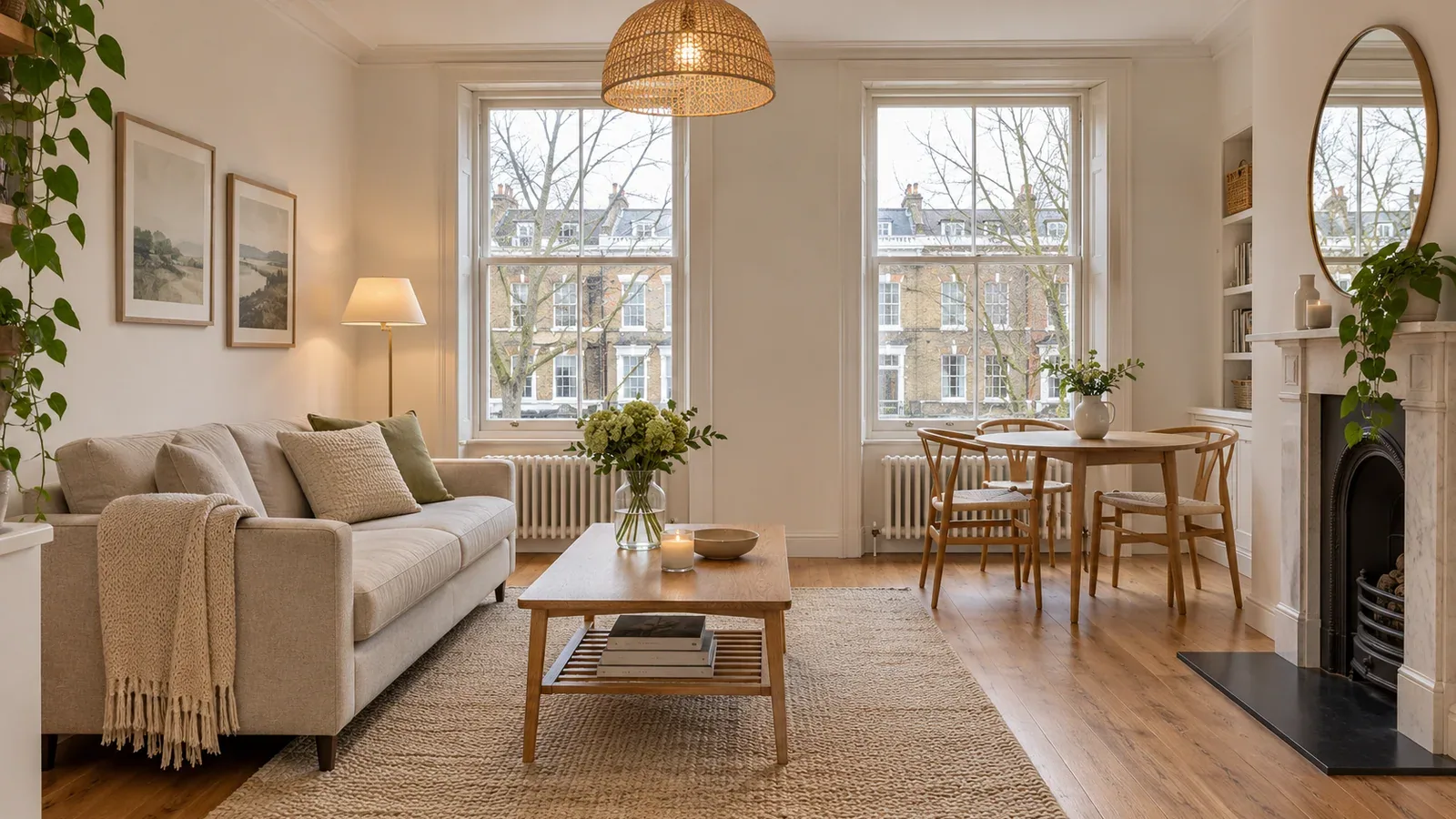
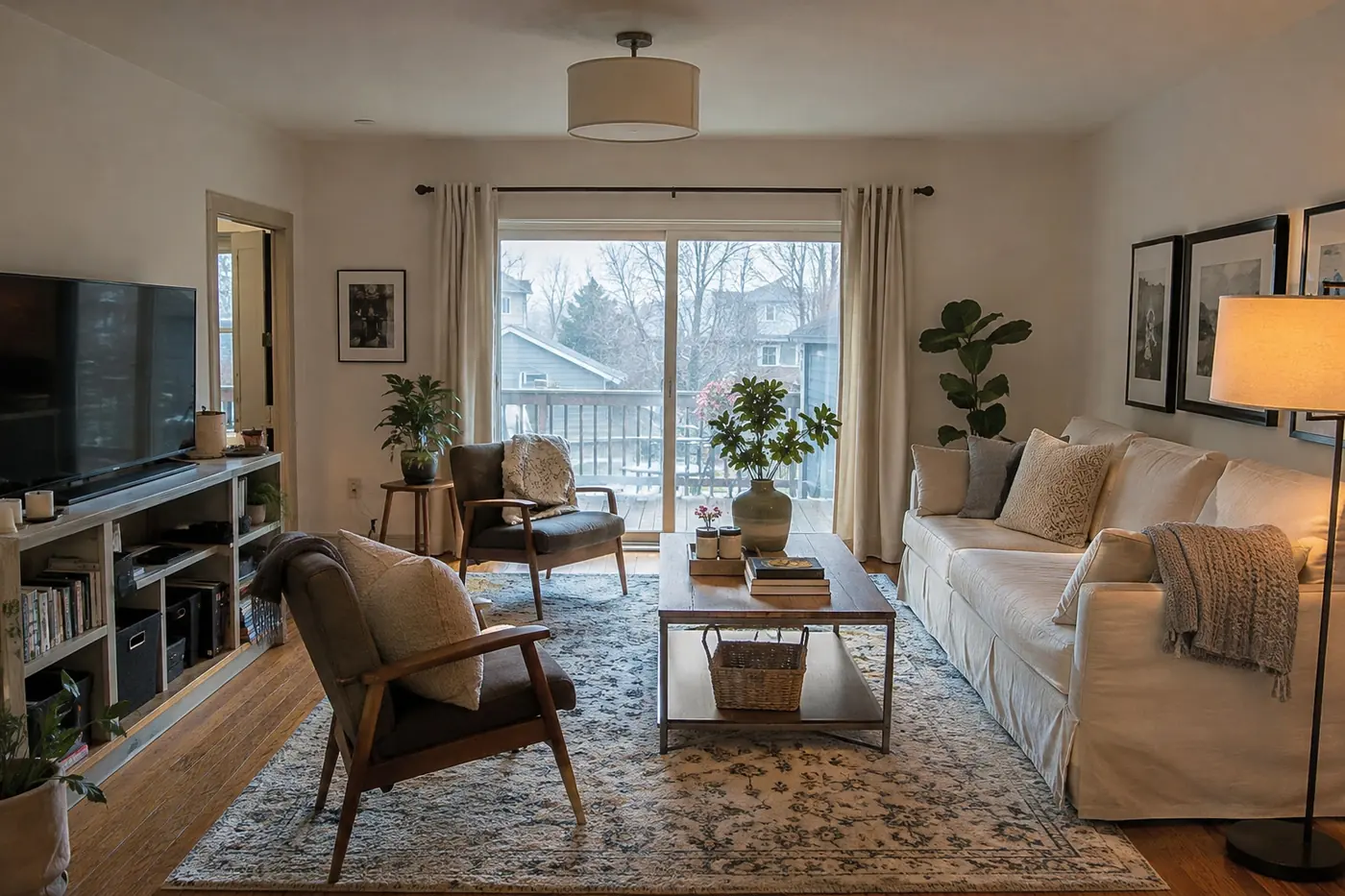
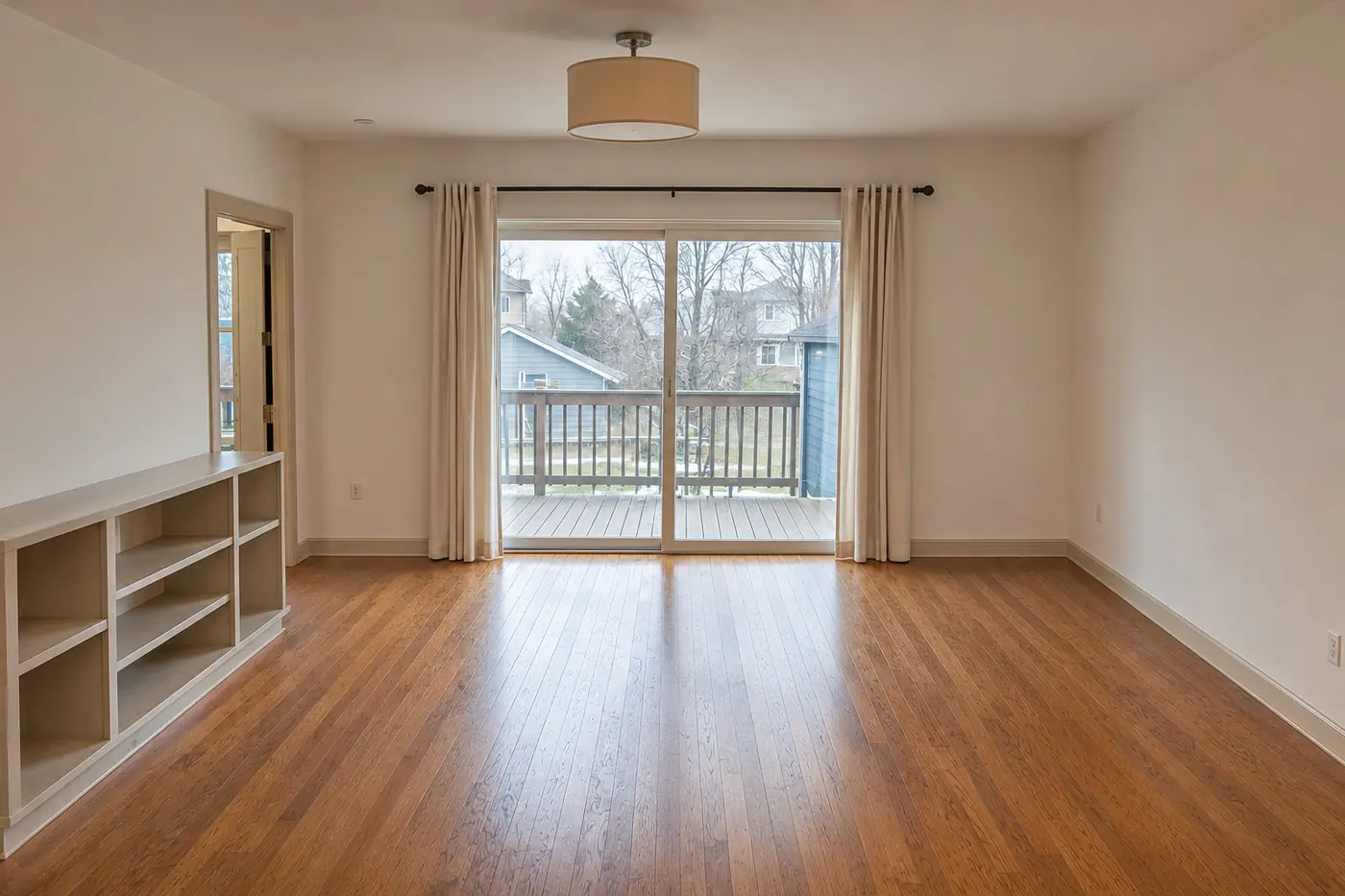
Removes furniture, rugs and personal items; walls, floors and doors stay as photographed.
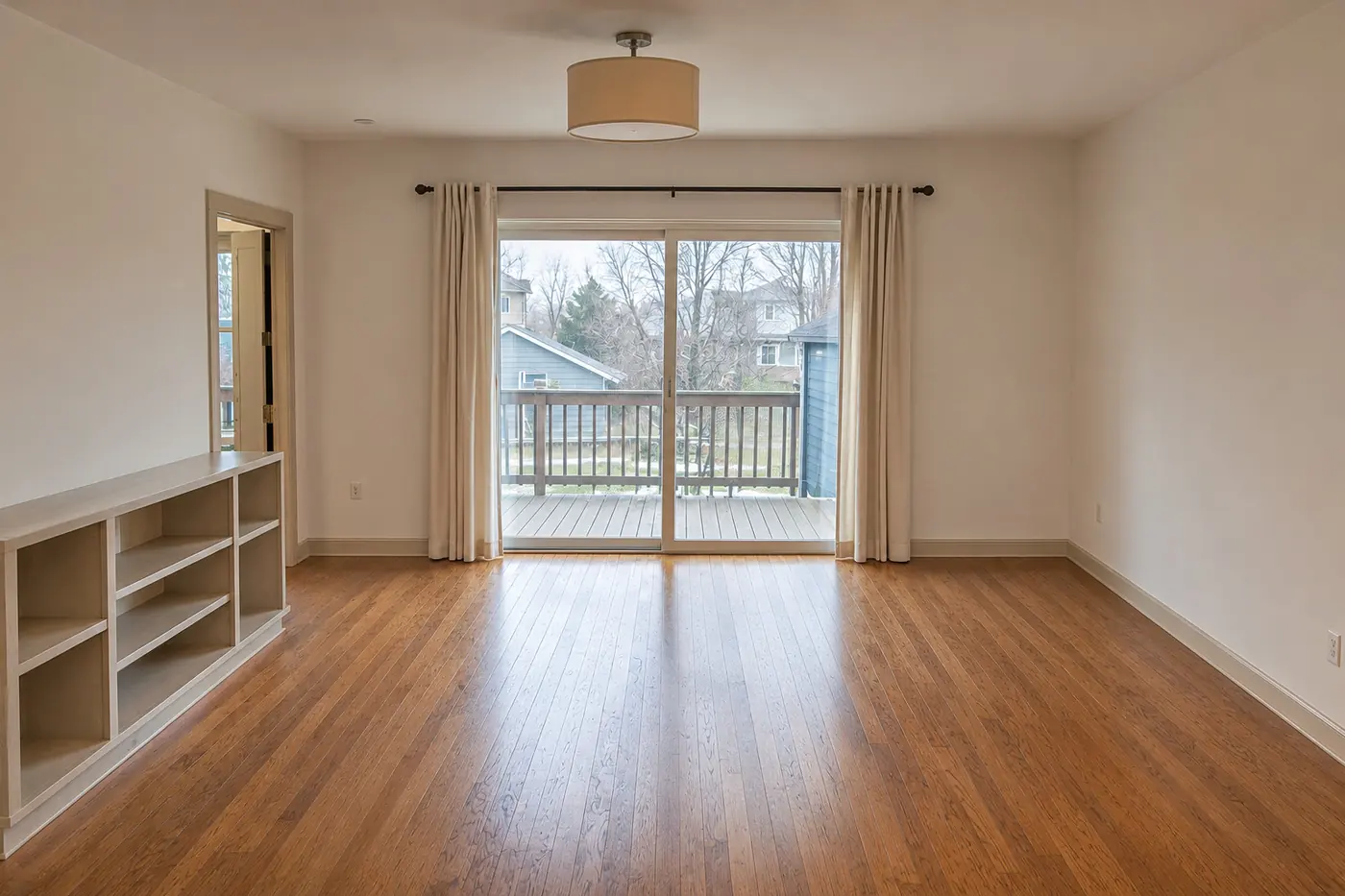
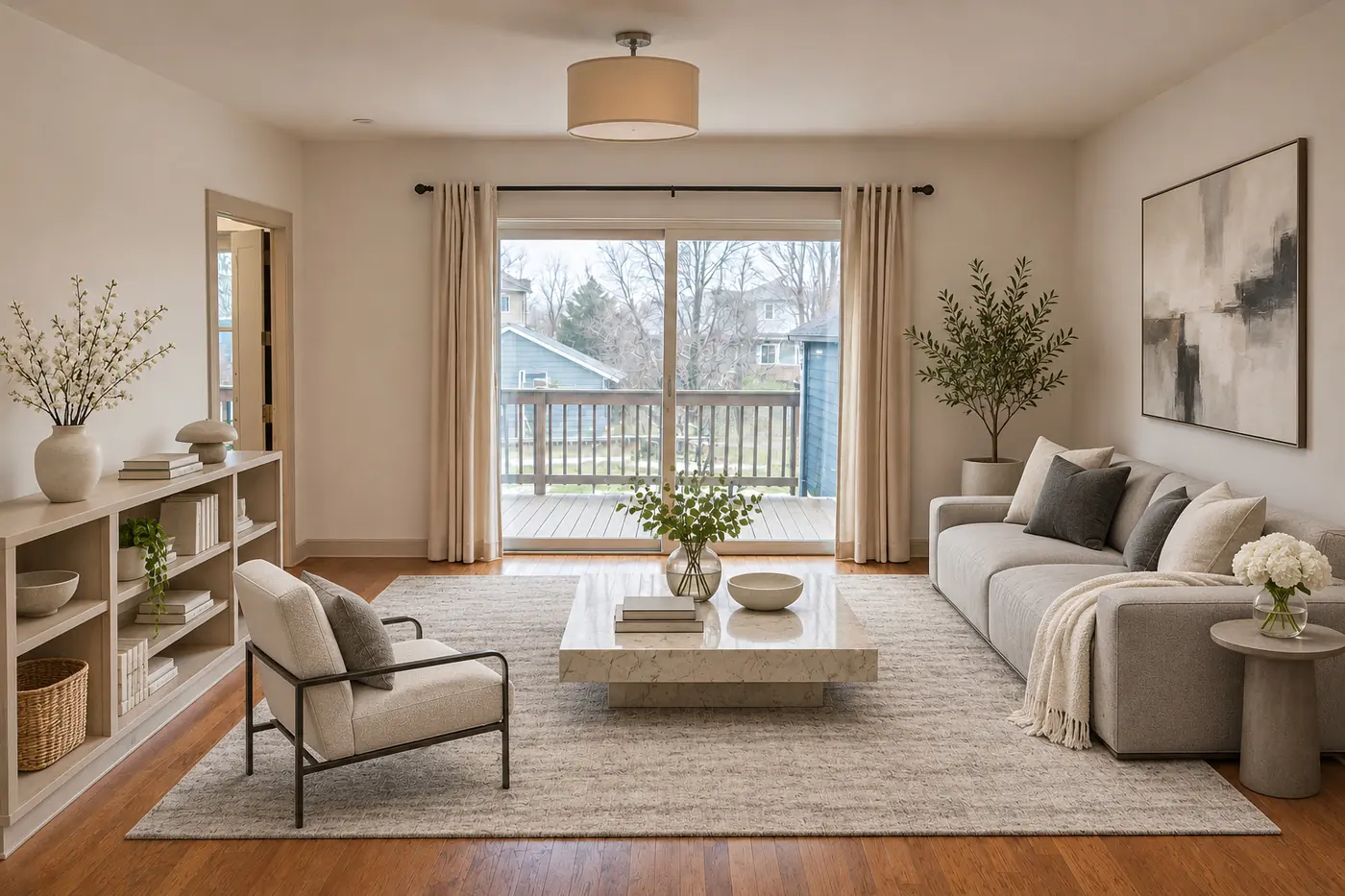 BeforeAfter
Furnishes empty rooms in six interior styles. A room that still has furniture needs a Declutter step first (+1 credit).
Works in your browser, nothing to install.
JPG, PNG, WebP or RAW, up to 95 MB per photo and 1,000 photos per order; or paste a Dropbox folder link (imports up to as many photos as you have credits).
Pick tools for the whole batch or per photo; export at 1536 px, Full HD, 4K or original resolution. The total in credits is shown before you start.
Compare before and after, download single JPGs or several as a ZIP. Want more? Continue editing a result and pay only for the new tools.
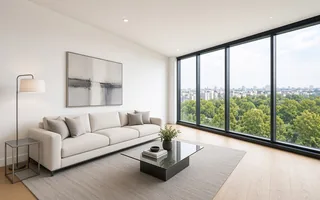 ModernClean lines, greys
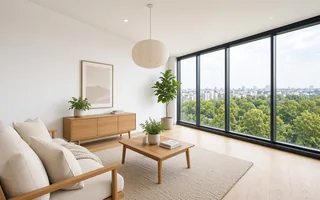 ScandinavianLight oak, wool
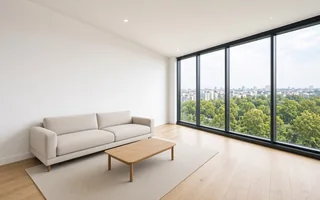 MinimalistFew pieces, space
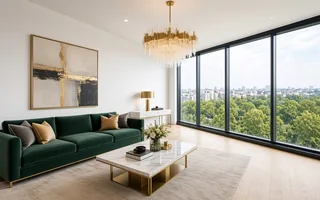 LuxuryMarble, velvet, brass
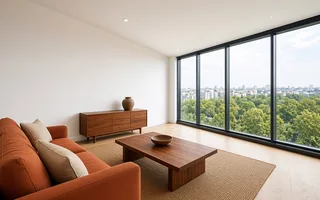 Warm woodWalnut, linen
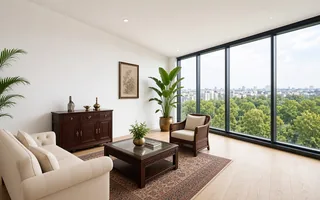 IndochineRattan, dark wood
1 credit = one tool used on one photo. Combining tools uses more credits; the total is shown before you start. Credits don’t expire.
Try it on your next listing
For active agents & photographers
For agencies and busy offices
For portals, franchises & studios
Brighten, replace skies and declutter a whole shoot on the day you take it.
Upload RAW, get JPGs at the original size; offer dusk or staged versions as extras.
Show unfurnished units with virtual staging in six styles, labelled as illustrations.
Brighten rooms and fix grey skies before updating Airbnb, Booking.com and Vrbo.
1 credit = one tool used on one photo. Combining tools uses more credits; the total is shown before you start.
If a processing step fails, its credit is returned to your balance automatically and you can retry. If a result isn’t right (wrong details, unexpected objects…), click “Report” on the photo; we review it and refund the credits if the result is defective.
Yes. The tools use AI, so small details such as text, patterns or cables can change or look softer. Always check photos before publishing, and label virtually staged photos as illustrations in your listing.
Yes. With the “Original” output size, the downloaded photo has exactly the same pixel dimensions as the file you uploaded. You can also choose 1536 px, Full HD (1920 px) or 4K (3840 px).
JPG, PNG, WebP and RAW (CR3, CR2, NEF, ARW, DNG, RAF, ORF, RW2), up to 95 MB per file. Results are delivered as JPG; RAW files are not returned.
Usually 1–2 minutes per photo. It can take longer at busy times; photos waiting in the queue are not charged.
Credit packs are a one-off purchase through PayPal, which also accepts major debit and credit cards. Credits are usually added within minutes of payment; if they haven’t appeared, write to [email protected].
Photos are stored on secure servers in the EU (Frankfurt). Edited photos are kept for 30 days and originals for 7 days, then deleted automatically. You can permanently delete any photo earlier yourself. We never use your photos for marketing without permission.
Sign up free and get 3 credits once you verify your email. No card, no subscription.
Get 3 free credits →